PROD-000106
Project Management System - React, Laravel, Node.js, Java
$99
Internal tool for companies and individuals to manage their projects, tasks, timesheet, clients, finances, communication all in 1 place.
Contact Us To Buy
Demo
Manage your projects and tasks, and let your clients see the progress from your website. See how system works, how you can give clients access to their dashboard, how they can respond to the queries etc.
You can create:
You can create:
- Team Members
- Clients
Private Chat
Sometimes you need to share sensitive information like cPanel credentials, that you do not want to share with other team members. You can do that by simply having a private chat with that member.
- Team members can have a chat between them.
- Only admins can have a chat with clients.
Invoices
Let your clients pay you directly from your own website via invoices.
Just follow the steps:
Just follow the steps:
- You create an invoice and link it with your client account.
- Client can login and see all the pending invoices.
- Client can pay via Stripe.
- For recurring payments, client's payment method is saved securely so they can make another payment without entering their card details again.
Projects
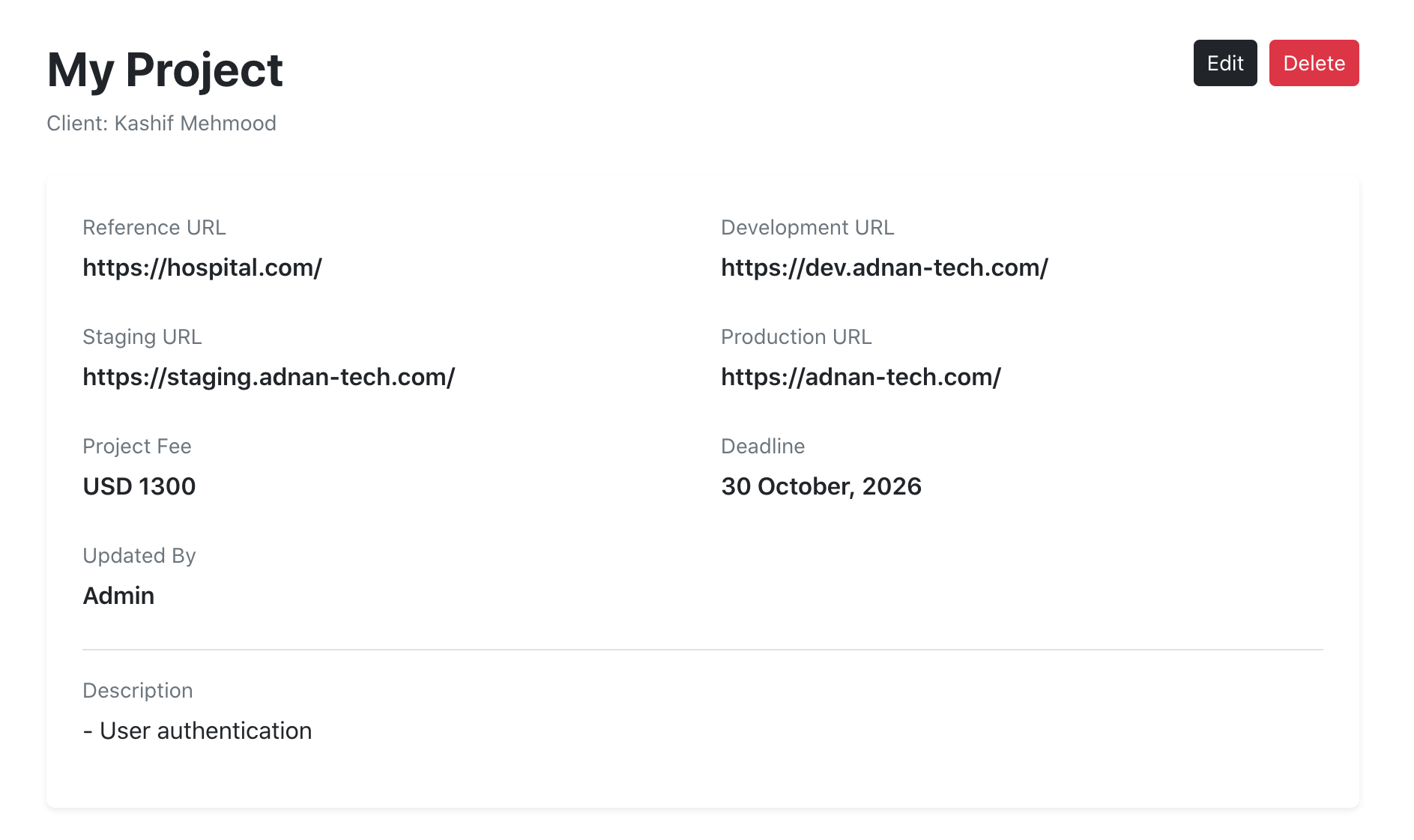
You can create projects and assign the client to it. Once client login, he will be able to see all his projects and their updates. You can write complete description of the project under it.
Tasks
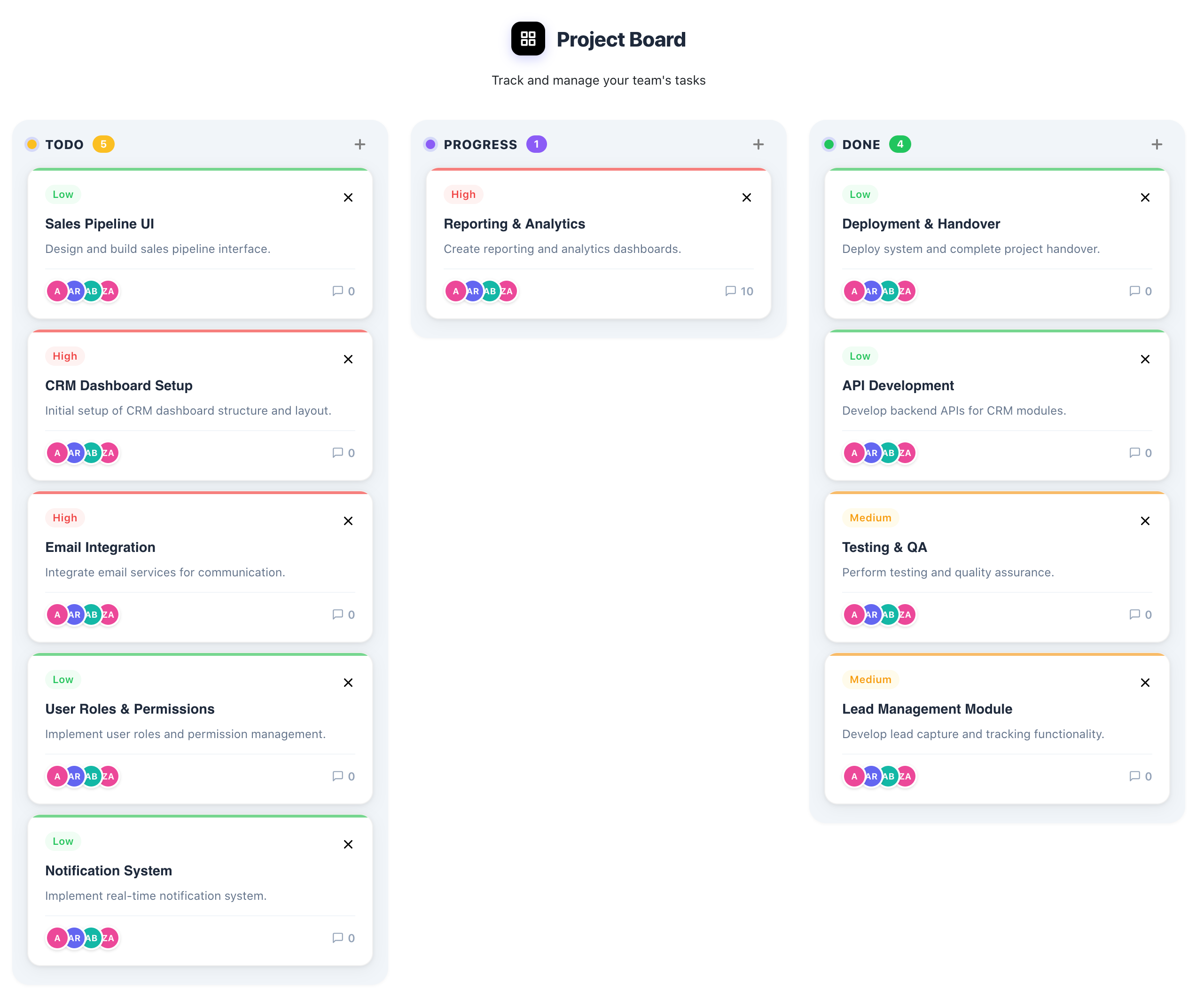
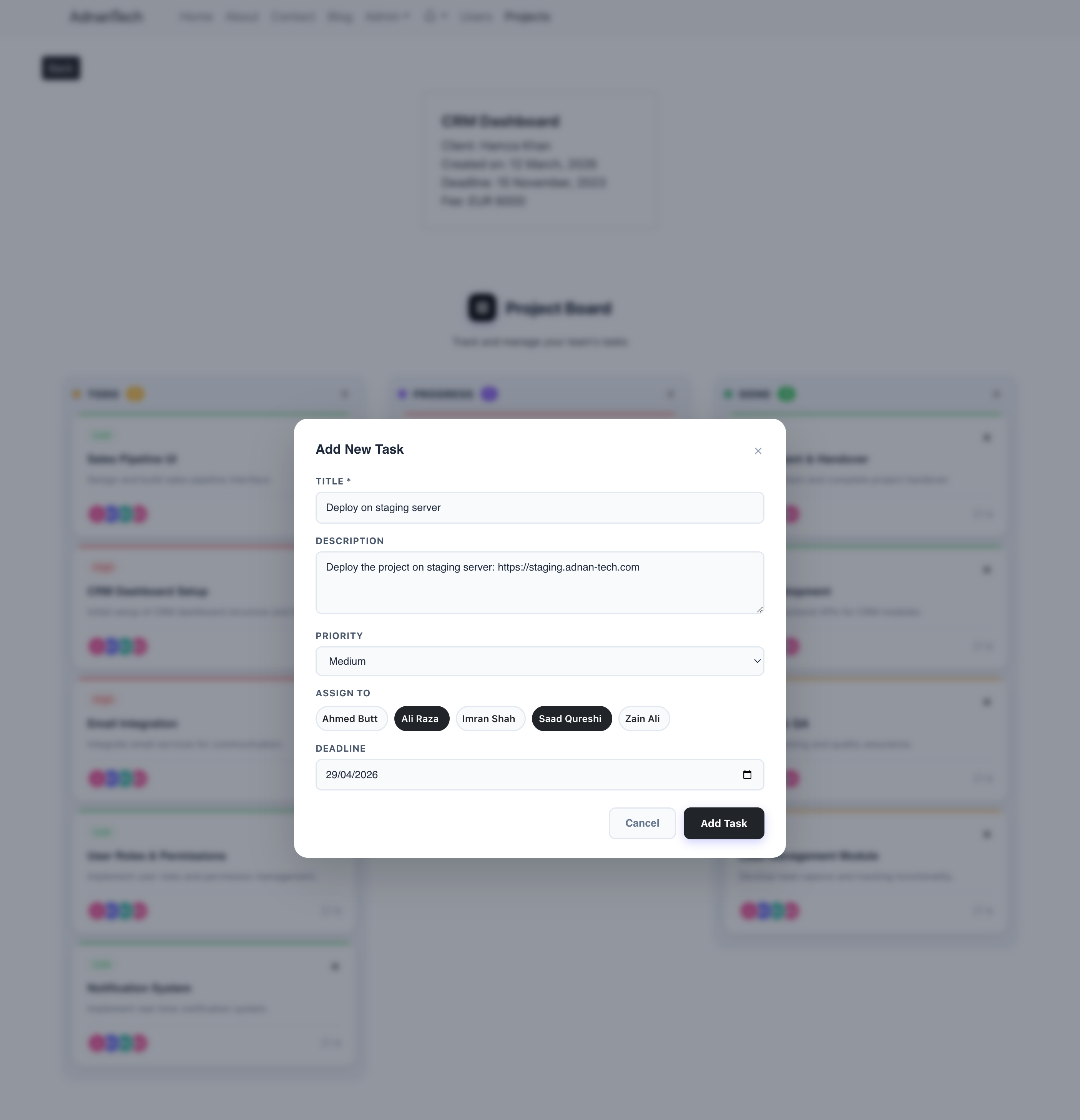
In each project, you can create multiple tasks. Whenever client ask for a new feature or a change, create a task so you won't have to remember. This will also help you not miss anything from client.
Each task has a flow todo -> progress -> done.
You can assign multiple team members to a task (including yourself) so they can collaborate on 1 place. Client and admin will also be able to see what's going on in this task.
Each task has a flow todo -> progress -> done.
You can assign multiple team members to a task (including yourself) so they can collaborate on 1 place. Client and admin will also be able to see what's going on in this task.
Chat With Your Clients
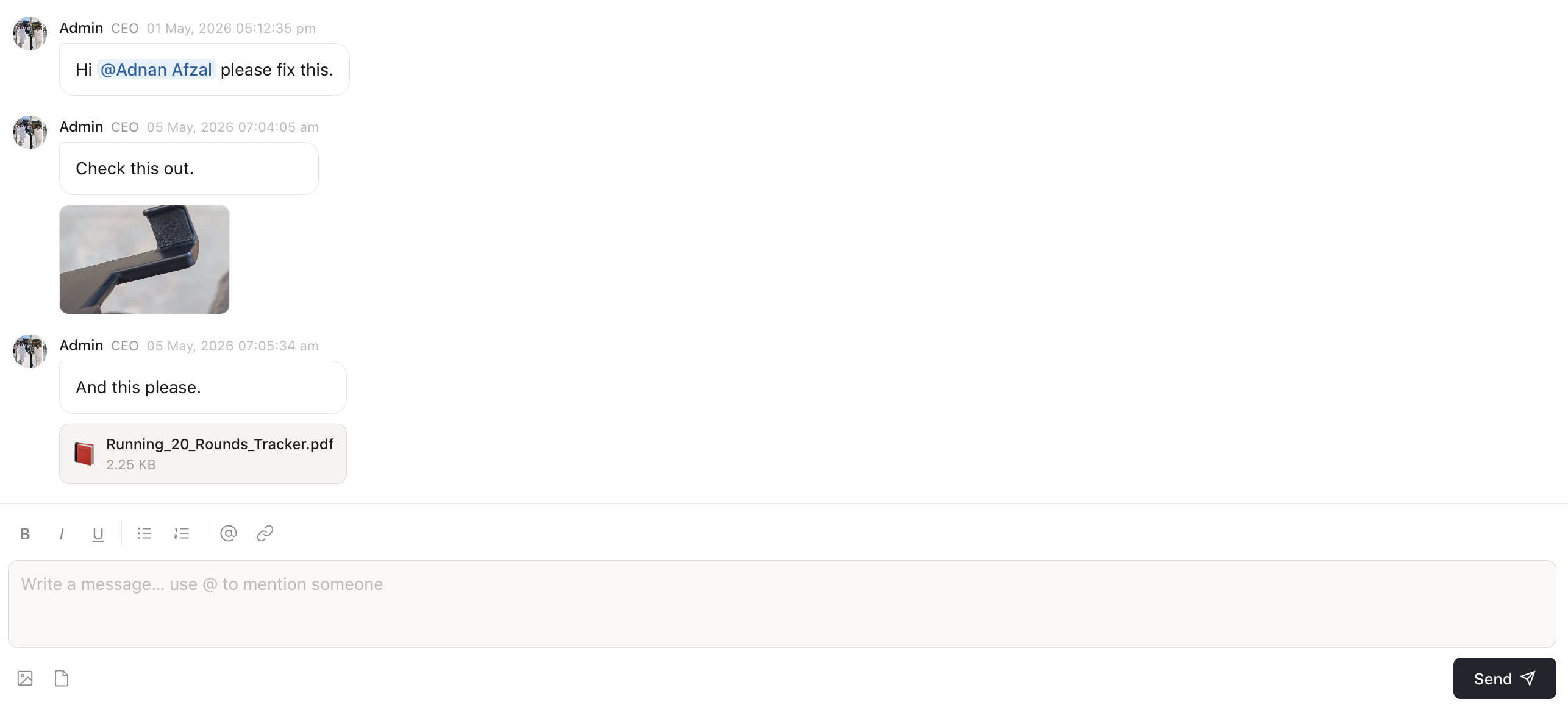
You can discuss everything related to that task on each task's page. So all the communication related to that task stays under it, organized.
You can send messages, attach documents, images, videos, you can send voice notes. You can mention a user to gain his attention to your message.
You can send messages, attach documents, images, videos, you can send voice notes. You can mention a user to gain his attention to your message.
Documents
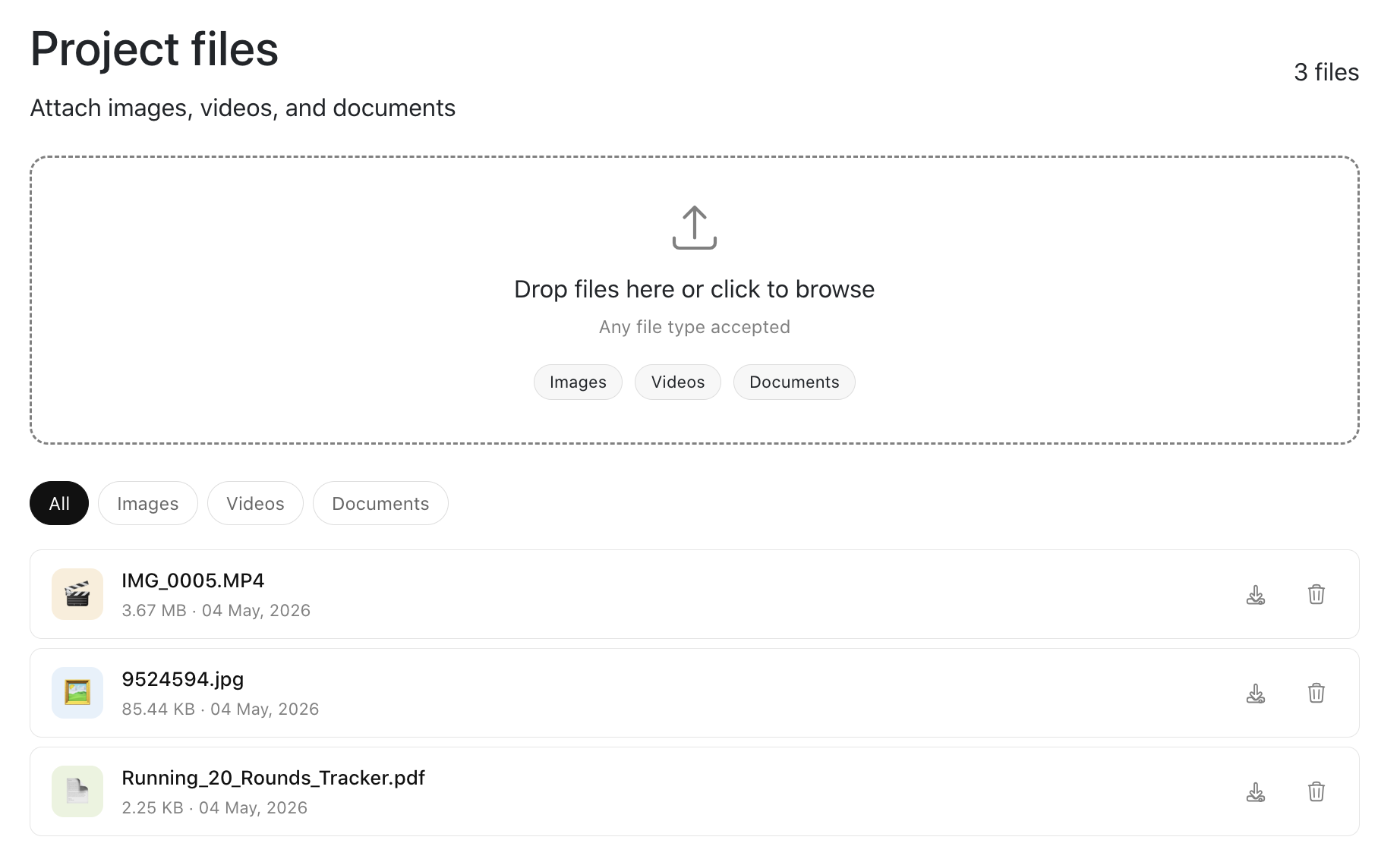
Whenever client sends a requirement document, you can attach it to your project so you can stick to the deliverables. You can add all associated documents, images, and videos of a project on it's page. So documents are not scattered, but are organized under each project. You can either view the files directly in the browser, or you can download them directly in your system.
Only admin can delete the files, but they will be temporarily deleted. Only super admin can delete the files permanently.
Only admin can delete the files, but they will be temporarily deleted. Only super admin can delete the files permanently.
Typing...
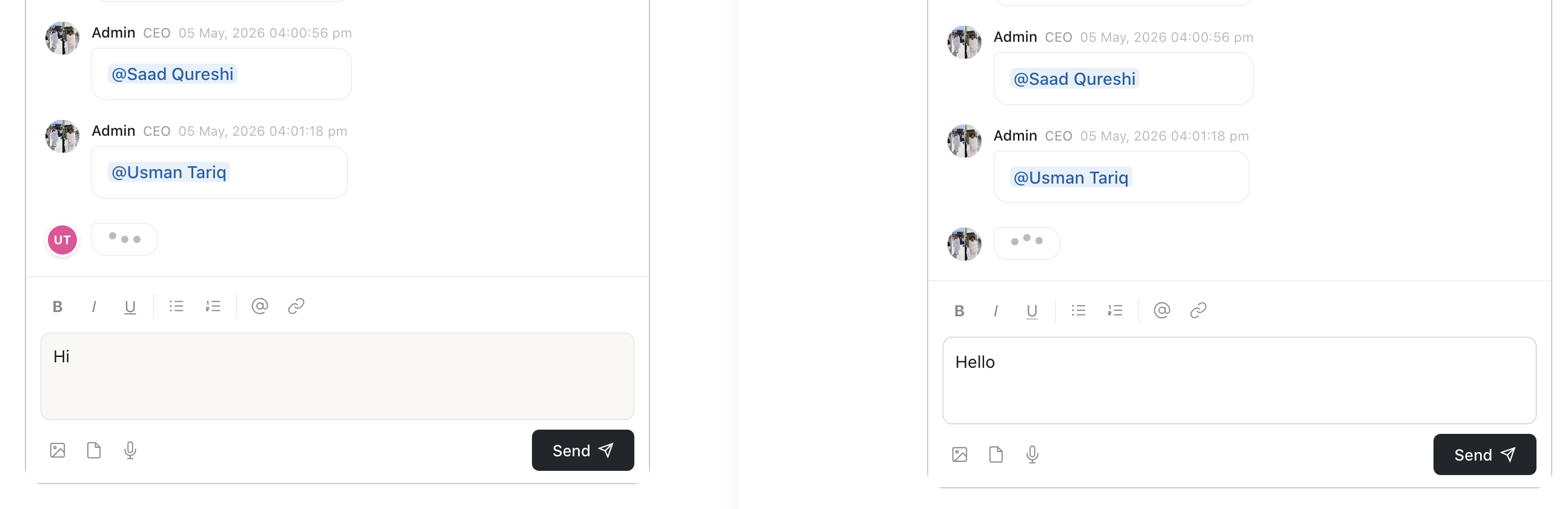
When one person is typing a message, others will know. This is helpful because now you will know that the other person is replying to your message.
Professional Dashboard
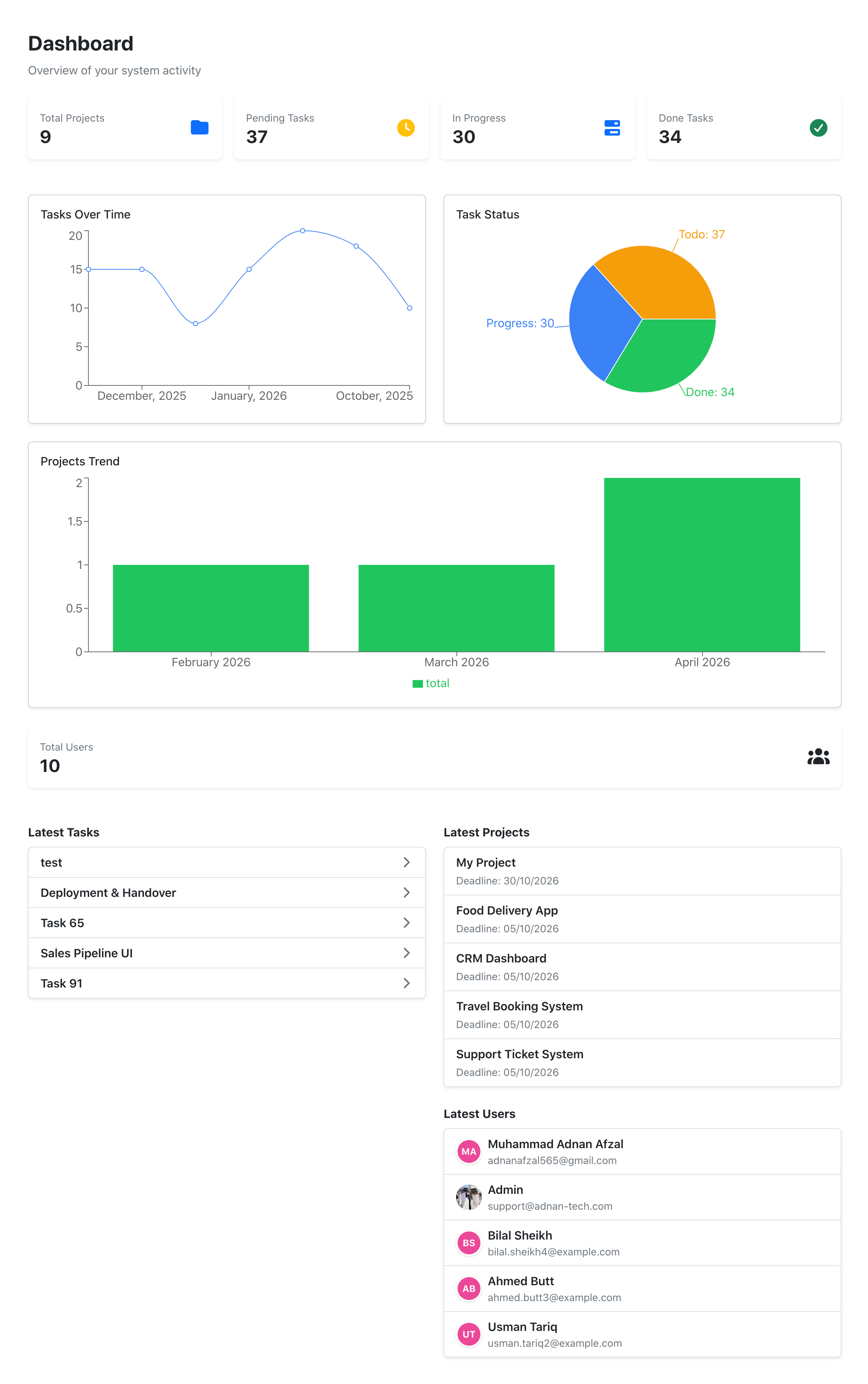
Each client has his own dashboard, from where he can see total number of projects he has with you. Total pending tasks, tasks you are currently working-on, and the tasks you have completed so far.
As an admin, you can see:
As they say, Seeing your progress is a great way to boost it.
As an admin, you can see:
- How many tasks you are getting per month.
- How many projects you are getting each month.
- Total number of users.
- Latest tasks, you can click on them to simply open that task.
- Same goes for latest projects and users.
As they say, Seeing your progress is a great way to boost it.
Invoices
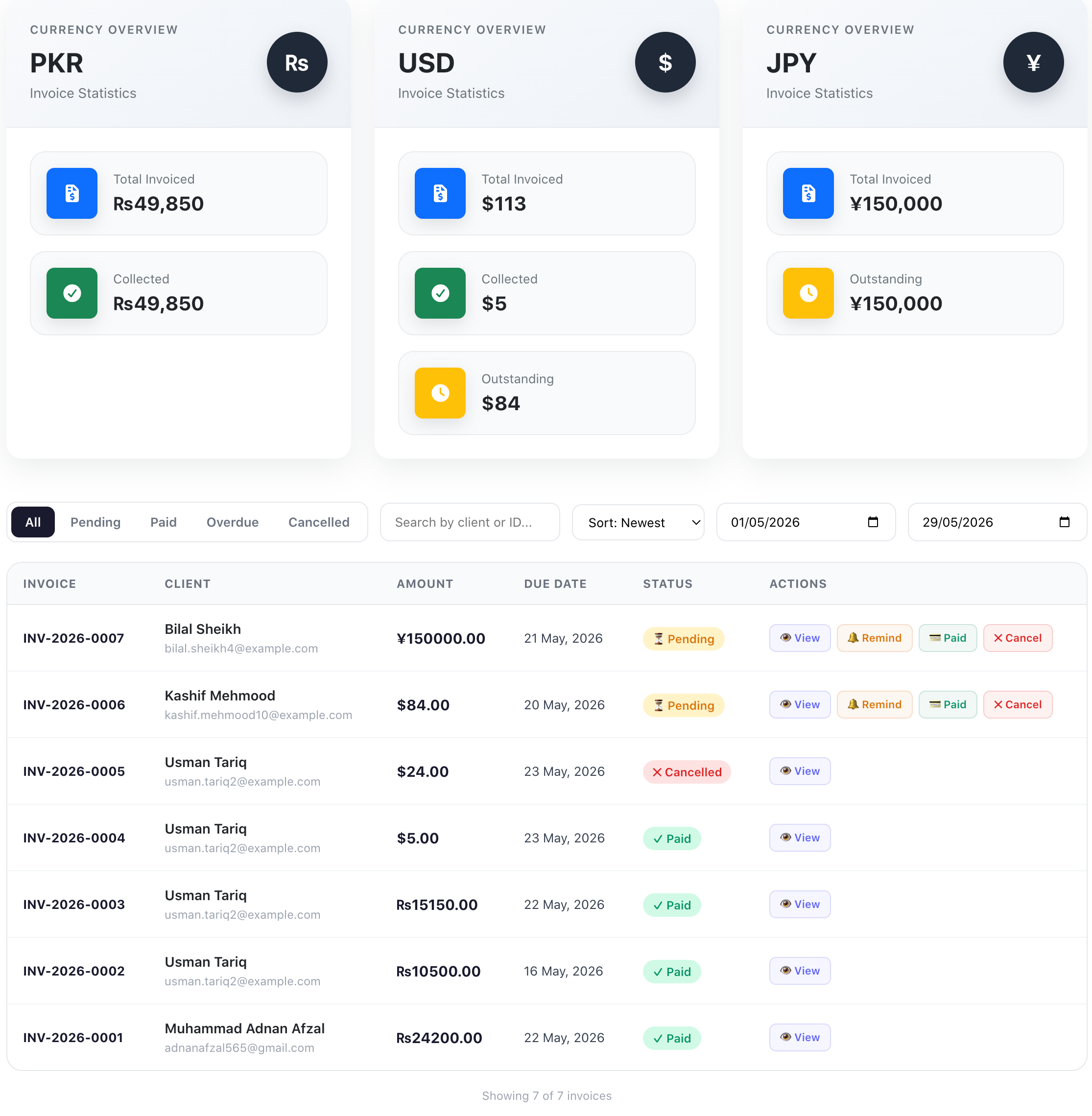
Send invoices to your clients and they can pay directly on your website. You can filter invoices by their statuses, for example, how many invoices are overdue?
As an admin, you can cancel any invoice and client won't be able to pay that one.
You can invoice the client in his own currency, and you will be able to see:
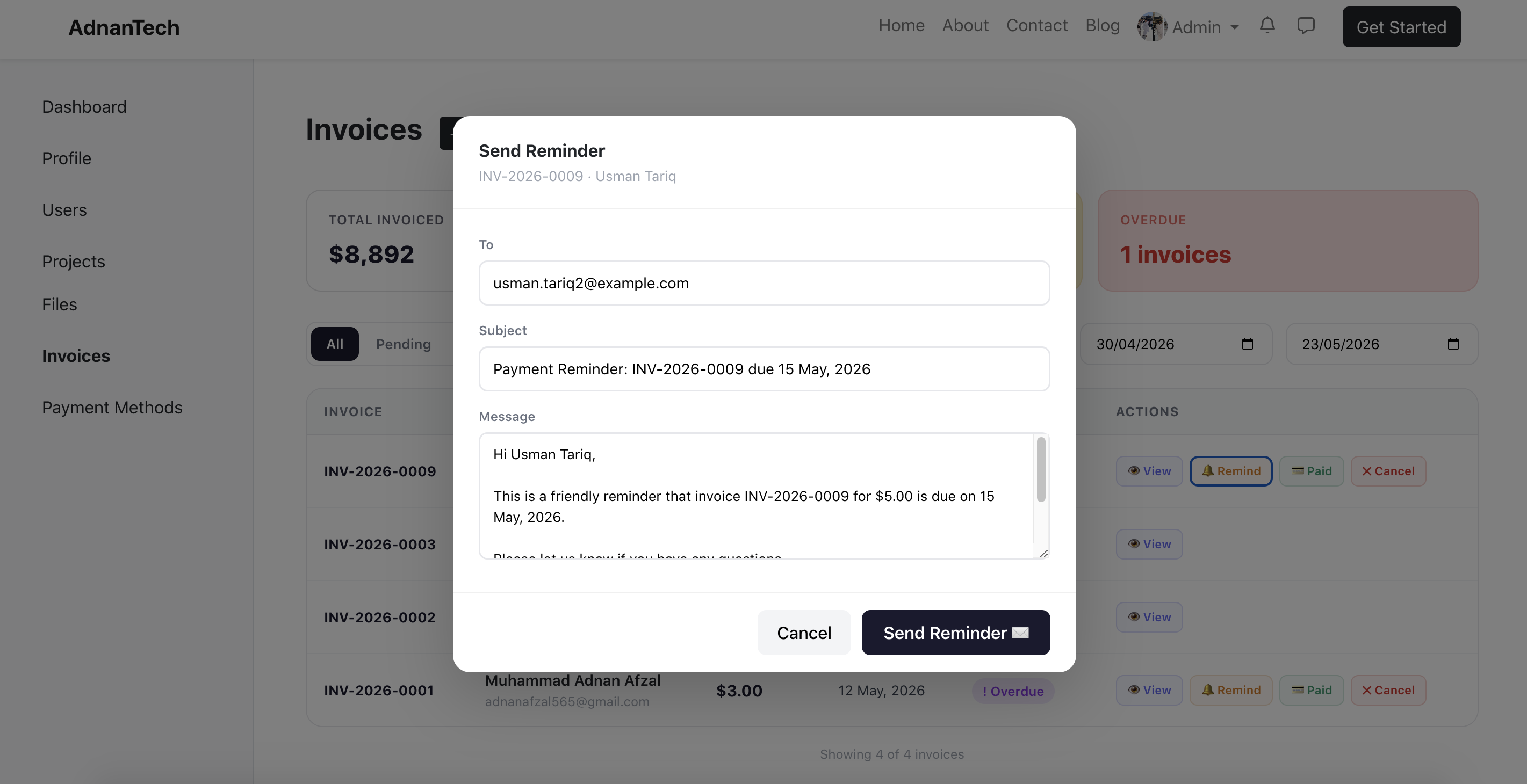
You can send friendly reminder to clients for overdue invoices.
Clients can see all the invoices issues to him from his dashboard.
As an admin, you can cancel any invoice and client won't be able to pay that one.
You can invoice the client in his own currency, and you will be able to see:
- Total Invoiced
- Collected
- Outstanding
- Overdue
You can send friendly reminder to clients for overdue invoices.
Clients can see all the invoices issues to him from his dashboard.
Receive Payments
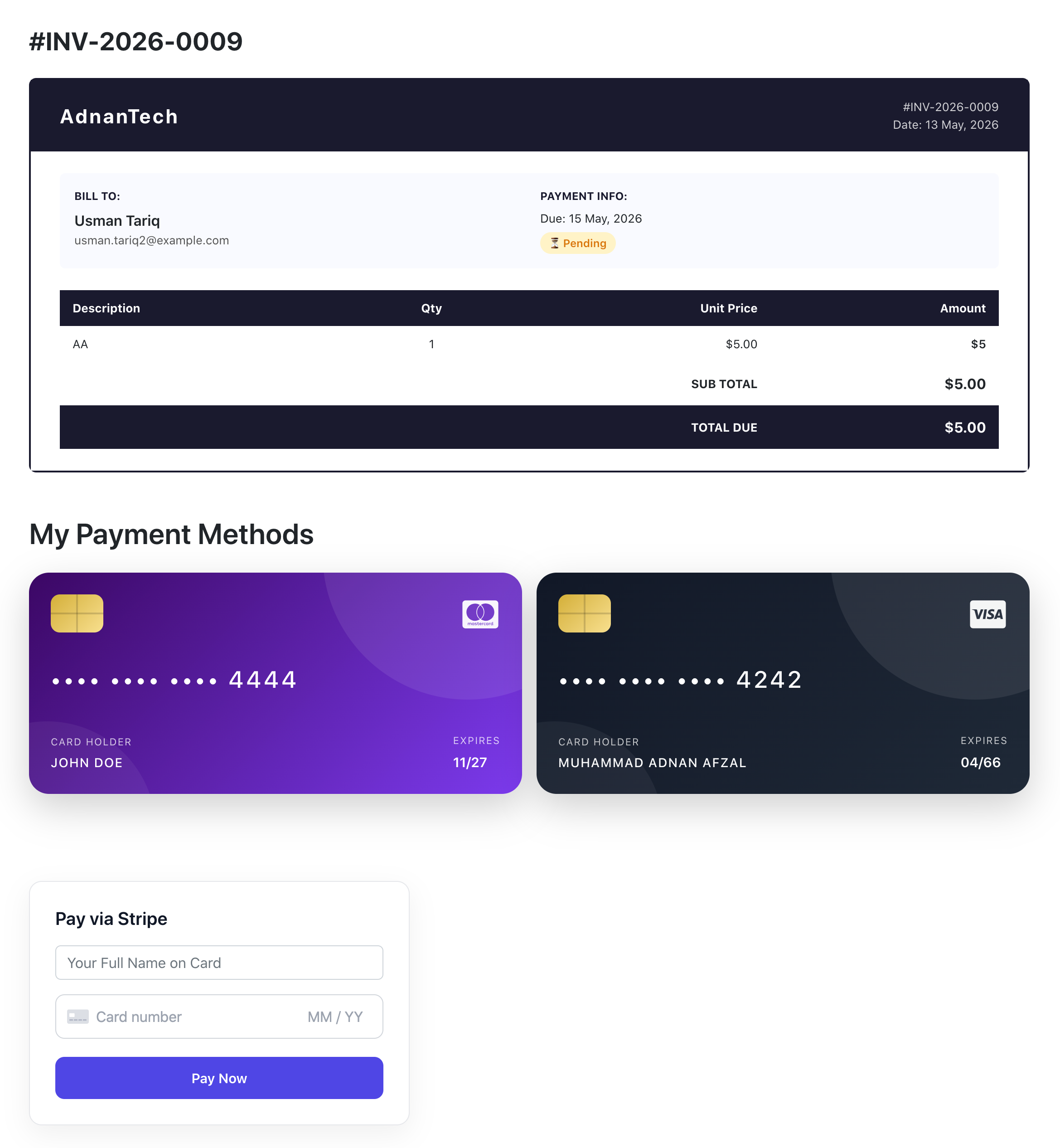
Clients do not have to go to third-party platforms to make you payment everytime. They can pay with their debit or credit card directly on your website and the amount will be reflected in your account.
If you are running a business where you take payments from clients on each month, for example if you provide maintenance services, then your clients can simply visit your website and click their previously used payment method and it will automatically charge from it.
If you are running a business where you take payments from clients on each month, for example if you provide maintenance services, then your clients can simply visit your website and click their previously used payment method and it will automatically charge from it.
Send Reminder for Invoices
Sometimes clients forget to make the payment on time. You can send them a friendly reminder directly from the system.
Financial Ledger
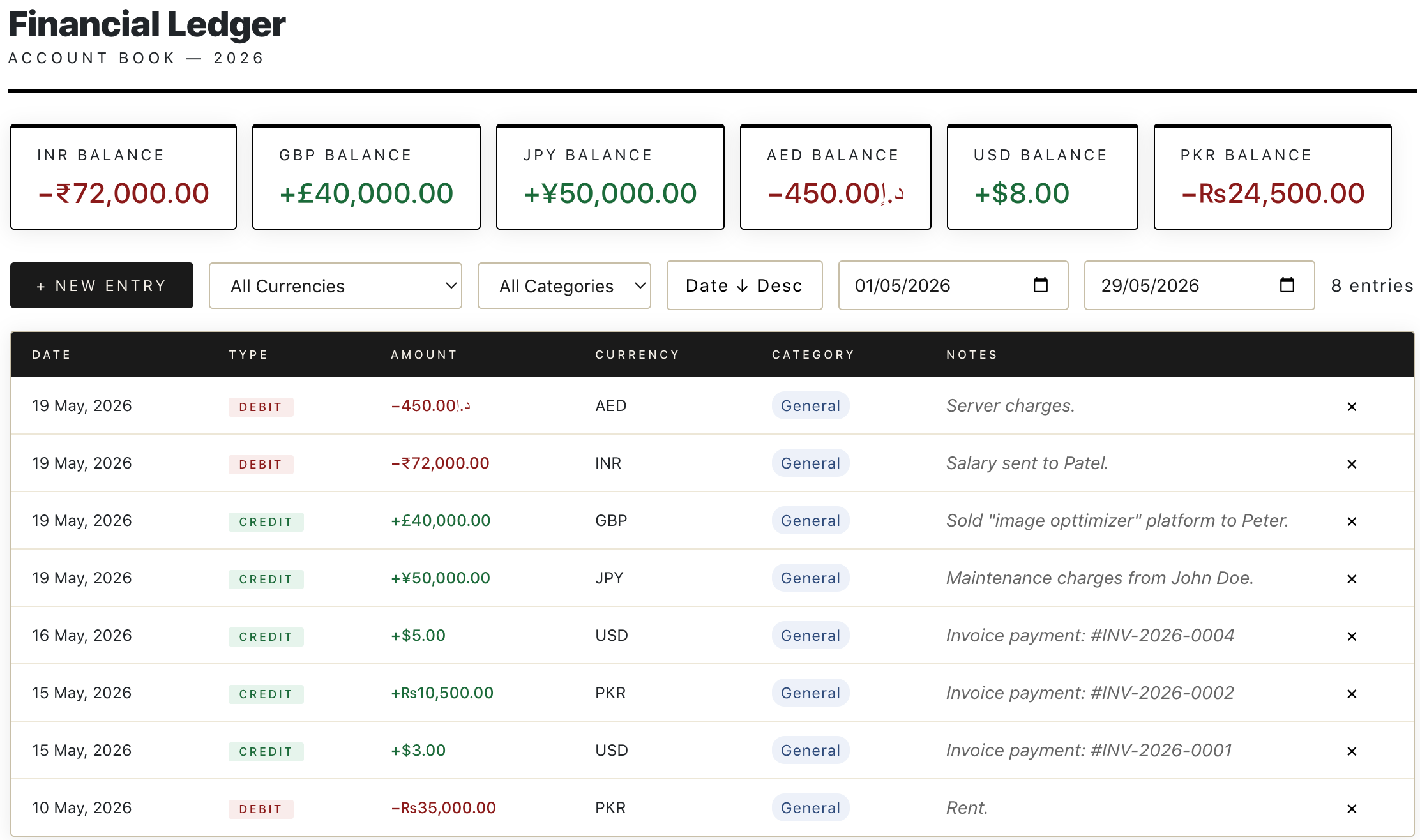
Track your expenses and income from your website. This feature is available for admins only so they can debit or credit the amount they are spending or receiving.
You can add transactions in multiple currencies. You can filter the transactions by:
You can add additional notes with each transaction, so you will know why this transaction was made.
You can add transactions in multiple currencies. You can filter the transactions by:
- Currency
- Category (general, tax, payroll etc.)
- Date
You can add additional notes with each transaction, so you will know why this transaction was made.
Time Tracking
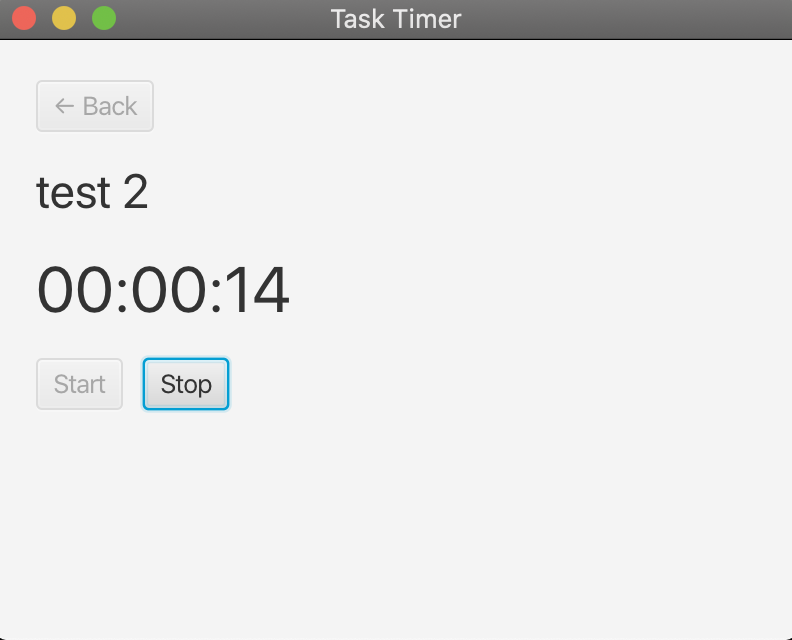
A time tracking app that you can use to see how many hours or minutes it took to do a specific task. It will be an executable file. Here is how it works:
- Login on app
- Select the Project
- Select the Task
- Start the timer when starts working
- Stop the timer once done
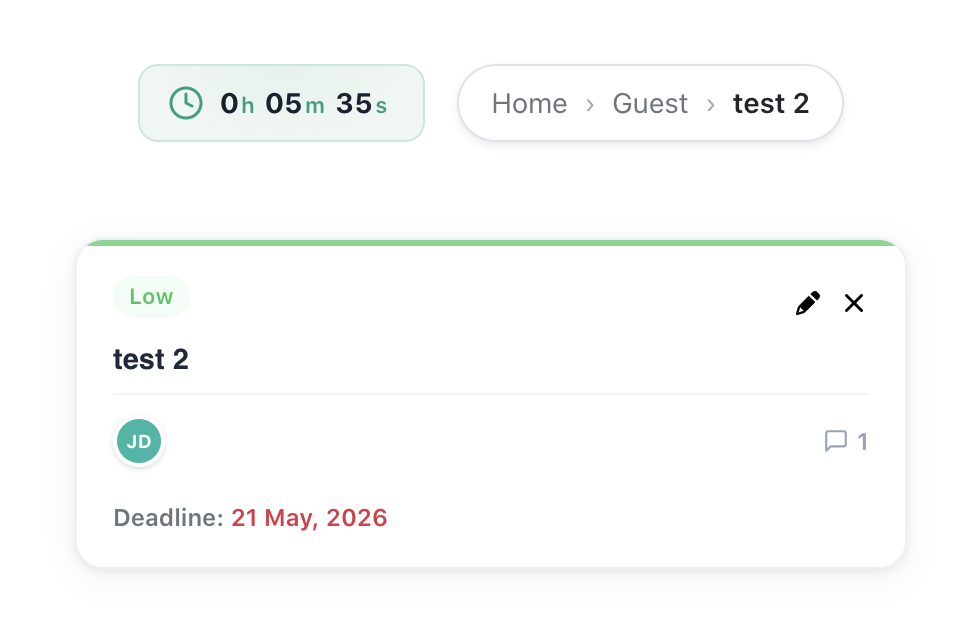
Total Time Spent on a Task
You can see how many hours and minutes are spent on each task. This is helpful when you are billing the client on hourly basis. Your clients can also see the time you have worked on his tasks.
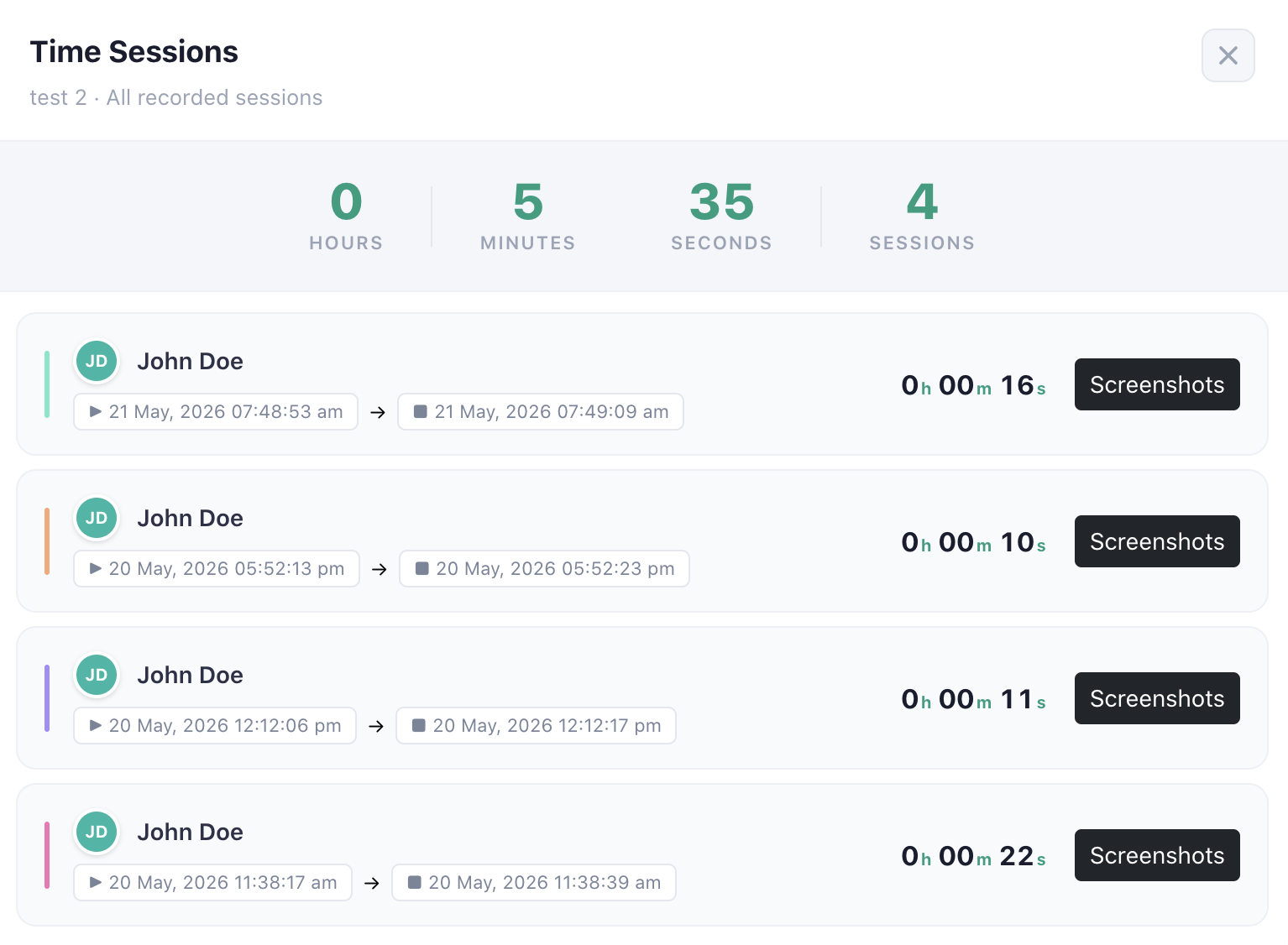
Timer Sessions
While working on something, you might be taking breaks. So you can:
- Stop the timer
- Take the break
- Start again when you are refreshed
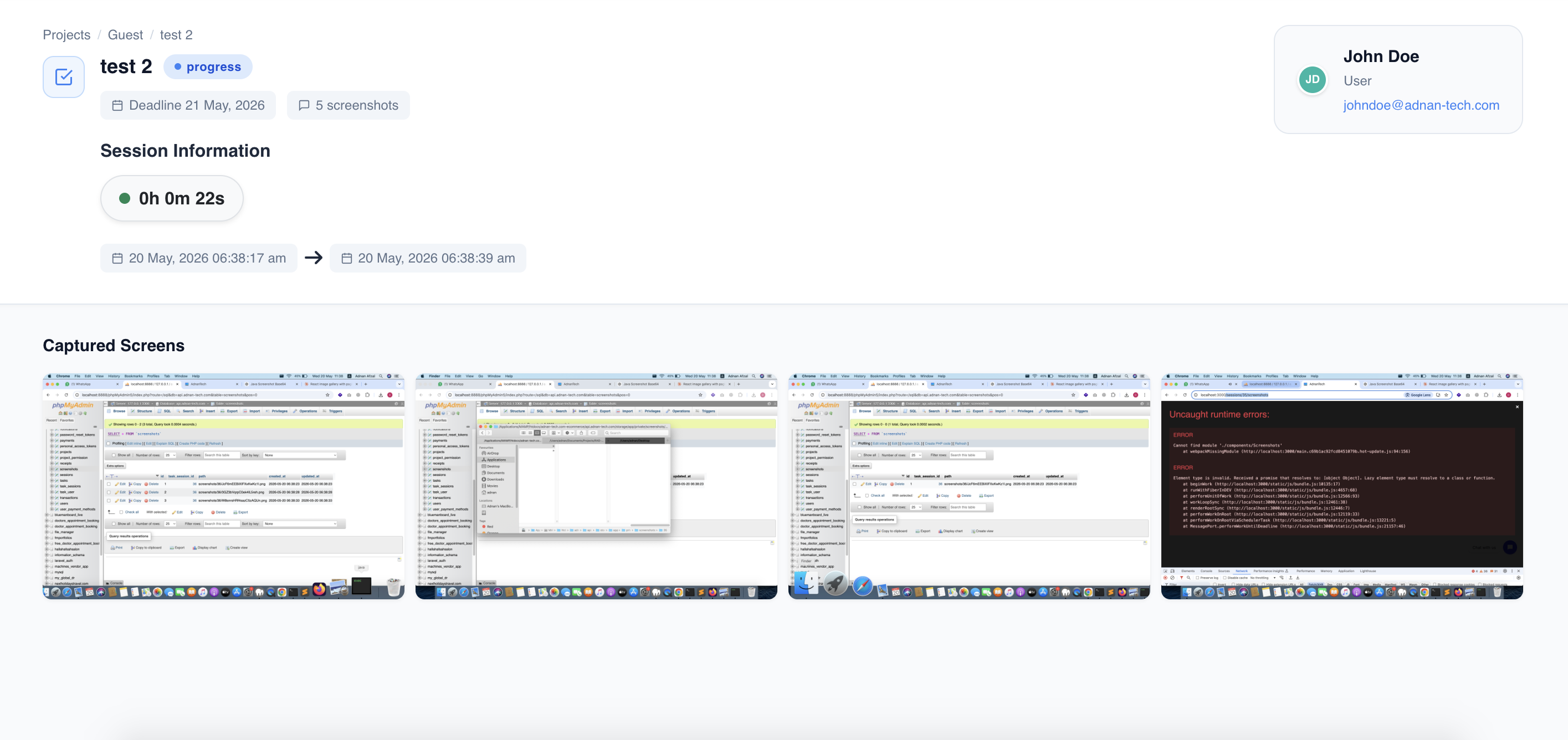
Screenshots
The timer app will automatically takes screenshots on random interval of time. You can see all screenshots from your task detail page.
- This is a great way to get focused on the work.
- Because you will get a feeling that someone is watching you if you are doing the real work or doing something else.
Search Everything
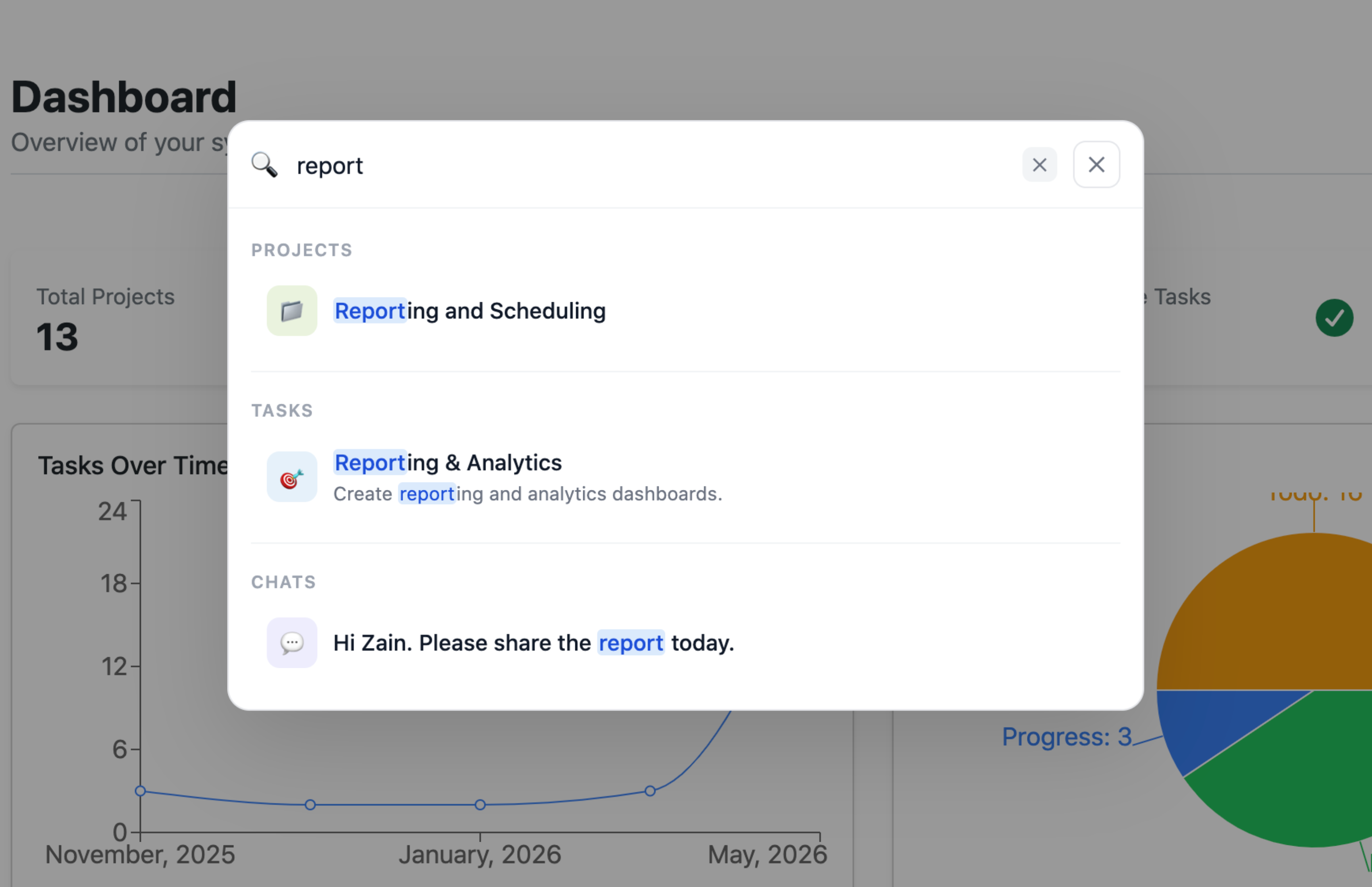
Instead of having search on each page, we have 1 centralized search that can search everything. You can search:
- Projects
- Tasks
- Chat Messages