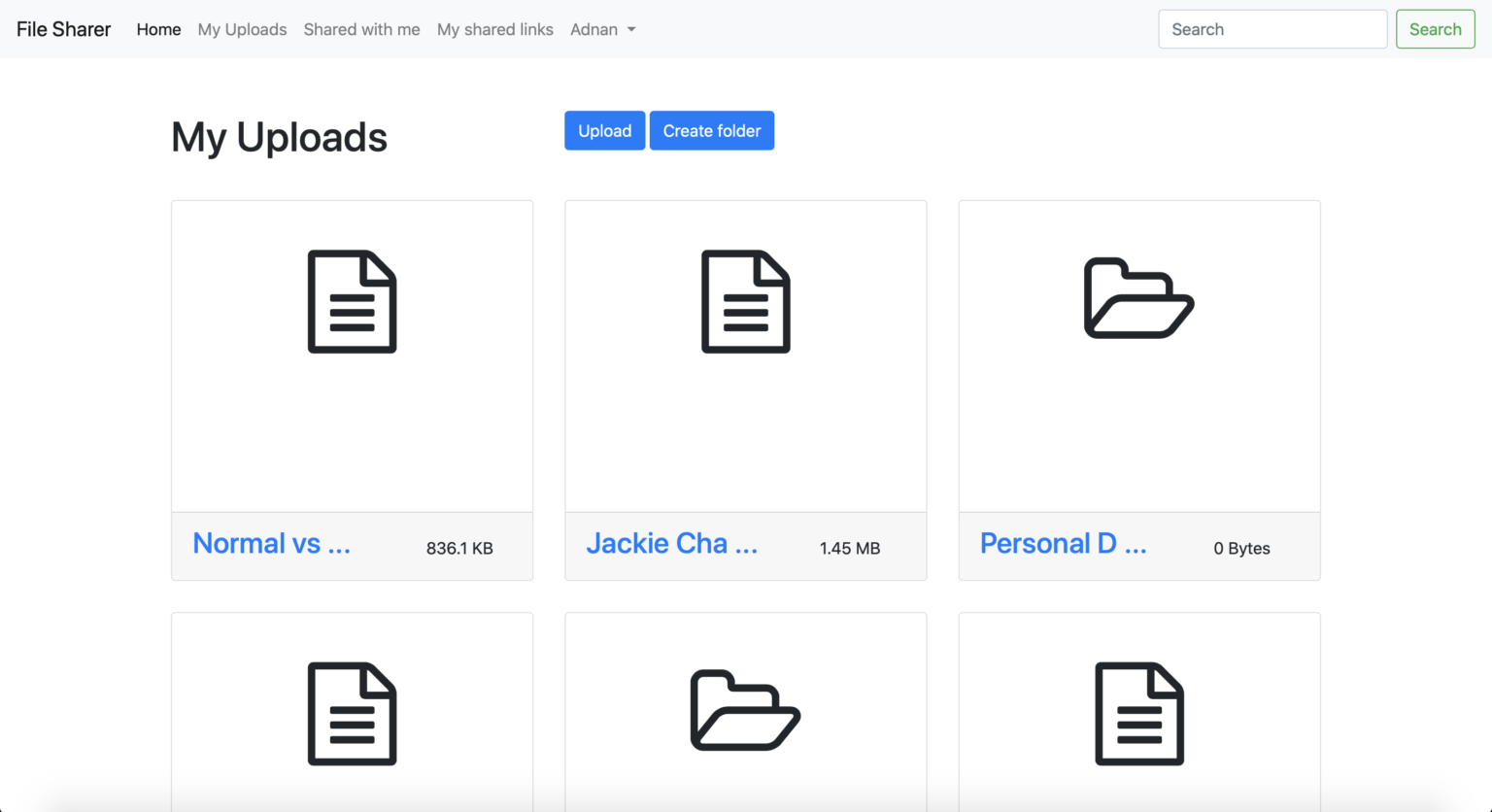
Demo
A web app that allows you to transfer files to your colleagues, friends, clients, etc.
Upload files & Create folders
You can upload any type of file e.g. image, e-book, executable, iso etc. Uploaded files can be deleted at any time by the uploader.
To organize your files, you can create folders and sub-folders with unlimited nesting levels. For example, you can create a folder like “College data” and organize assignments, thesis, and projects inside it.
Share privately
You can share files via email with users who already have an account. Shared files remain strictly private and cannot be accessed by anyone else, even via server directories.
Share publicly
Files can be shared via a public link that works without login. The link remains active until the owner deletes it. You can also search uploaded or shared files by name.
Rename files & folders
Files are automatically named on upload, but you can rename them anytime.
Move files & folders
You can move files and folders while preserving sub-folder structure. Moving a file invalidates previously shared public links.
Business Model
Monetize by offering limited free storage and charging users for additional GBs. For example, 1 GB free and $1 per extra GB.
Admin panel & Team collaboration
Admins can view all users and files. Teams can collaborate in real time, with instant file updates across members using Firebase.
Trash Can
Deleted files go to a recycle bin where they can be restored or permanently deleted. Restoring requires sufficient storage space.
Backup
Users can create a full backup of all their files with a single click.
Blogs
Admins can publish blog posts from the admin panel, and they will automatically appear on the user side.
Save space
Images can be compressed to reduce size significantly without losing quality (e.g., 3.2 MB → 890 KB).
Pay-per-usage
Monetize storage by charging users for additional usage beyond free limits.
Download counts
Publicly shared files can be downloaded without login, and owners can track download counts.
Security
Files are fully private and only accessible to the owner or shared users. Even direct directory access cannot expose files.